Grab the Freedom Deal: ₹1,000 FREE Cloud Credits! Claim Now
Grab the Freedom Deal: Get ₹1,000 FREE Credits! Claim Now
+91 9953046498 sales@net2secure.com Support Login | Register

Server Migration Services in India

Migrate Smarter & Safer with Net2Secure Server Migration

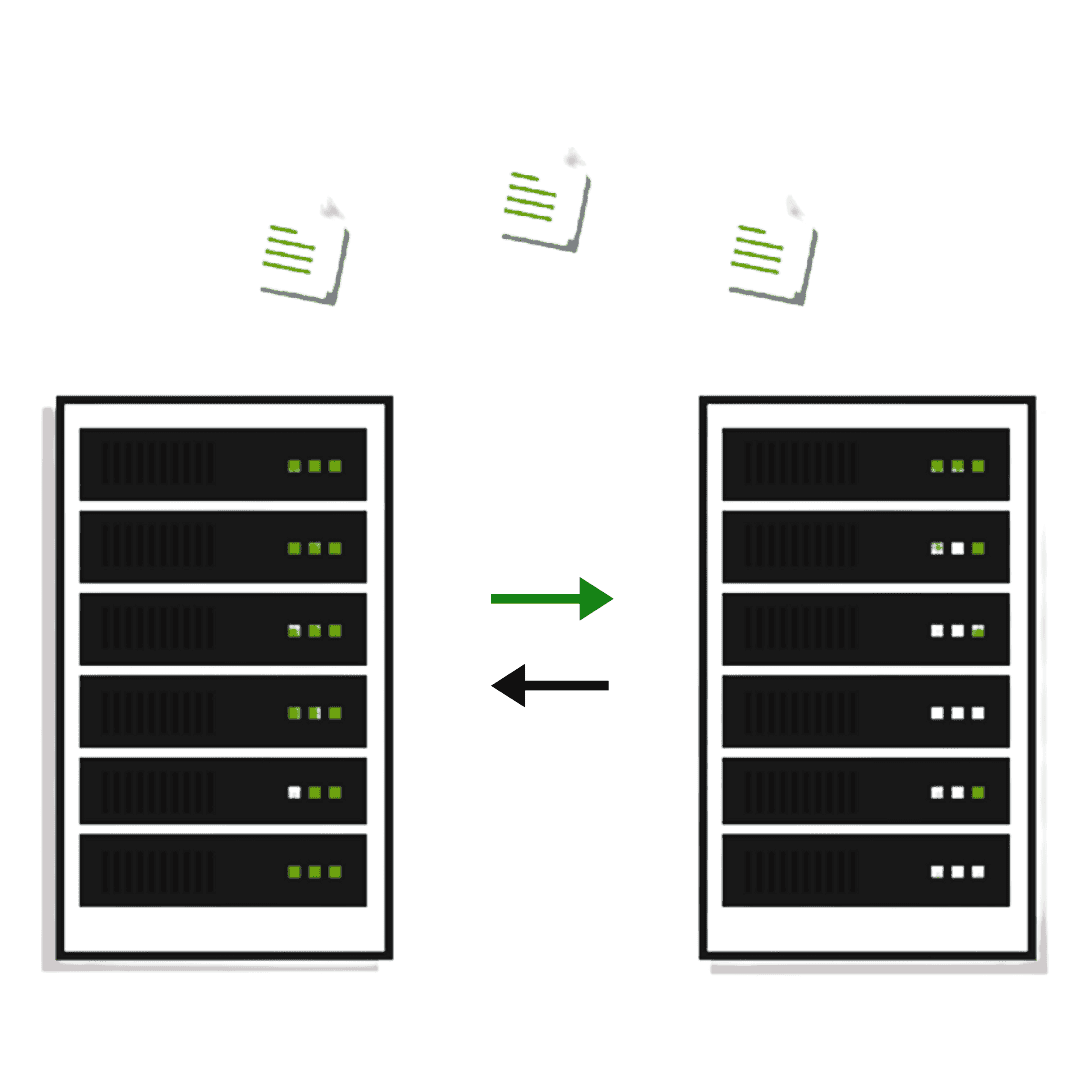
At Net2Secure, we offer seamless migration of servers and applications, ensuring a stress-free transition from one server environment to another.
Transferring the crucial data and applications from one server to another is not as easy as it seems. At Net2Secure, we make this challenging task of server migration hassle-free.

As the digital competition continues to evolve, server migration has become a significant process for organizations seeking to optimize their IT infrastructure and boost performance. Doesn’t matter if an organization is shifting from a physical to a virtual environment or simply upgrading to more reliable and robust servers; understanding the complexities of server migration is vital.

Get Started Now

server migration in India

Experience Affordable Server Migration Services in India with Net2Secure

We deliver fast and reliable server migration in India, offering exceptional and affordable services to businesses across multiple cities. At Net2Secure, we offer end-to-end server migration services that consist of planning, executing, testing, and post-migration support to certify a seamless transition. We make sure your server as well as infrastructure operate effortlessly after migration with final optimization. Moreover, we allow businesses to weaponize the strength of our professional cloud server migration services to copy live server volumes, in turn, making large-scale server migration easy. Our cloud server migration solutions ensure easy deployment, fostering your business with better security, scalability, and accessibility.

Reasons Why You Should Consider a Server Migration

Server migration is generally crucial for several reasons, like as hardware upgrades, software updates, load balancing, data center relocations, or shifting to a more scalable solution. A few significant reasons are as follows:

Enhance Performance & Reliability

In the long run, servers can degrade in performance. Shifting to a new or optimized server can lead to better website load times, more effective data processing, and less downtime.

Cost-Effective

Outdated servers often become more costly to maintain and operate. Migration offers a great opportunity to switch to more affordable hardware or even transition to a cloud-based solution that delivers scalability and pay-as-you-go models.

Improved Security

Older servers may be unsafe to security threats if they no longer receive patches and updates. Migrating to a new server certifies that you’re capitalizing on the latest security advancements.

Geographic Relocation

If an organization moves its physical location or plans to be closer to its core user, it might need server migration.

Upgrade Hardware & Software

As technology grows swiftly, servers can instantly become outdated. Migrating to a new server verifies that your business leverages faster processing speeds, increased storage capacities, and advanced security features.

Types of Server Migration

We offer various server migration methodologies tailored to your specific infrastructure and business requirements.

Physical-to-Physical

P2P migration contains no virtual resources. This method solely applies to shifting from one physical server setup to another. Hosting experts depend on software tools to remove server drivers from the original host machine and install them on the new target machine.

Physical-to-Virtual

In this method, IT staff migrates data from a physical server to a virtual location. The OS, all files, and data are transferred to a virtual machine. The new target server generally exists on a virtualized platform, and the transfer may need decoupling before the migration can begin.

Virtual-to-Virtual

With V2V, the server migrator transfers files from one virtual location to another. Most virtual platforms contain native tools to help with this type of migration, ensuring a seamless and efficient transition.

Cloud Migration

As the name indicates, cloud migration consists of moving an organization’s server resources to the cloud server. This can be an entire or partial transfer, relying on the organization’s needs.

Database Migration

Database migration involves shifting data from a source database to a new target database. IT staff may prefer a database migration service to perform this task to certify it’s done safely and accurately.

Steps to Plan for a Server Migration

A structured and strategic approach is vital to ensure a seamless, secure, and risk-free transition to your new server environment.

1
Inventory Audit

First of all, an inventory audit is vital for recognizing all the applications, data, and dependencies that currently reside on your existing server.

2
Target Server

The next step is considering the right target server that tailors to your organization’s type, capabilities, and scalability needs for the future.

3
Timetable Setup

Timing is also crucial to set a migration timetable that takes place during off-peak hours to minimize the impact on business operations.

4
Data Backup

Before initiating the migration, always back up existing files, applications, and databases as a safety net against any data loss.

5
Environment Setup

Set up and configure the new target server environment, ensuring it meets all prerequisites and security standards before the actual move.

6
Migration Process

For the real migration process, selecting specific methodologies and tools that best tailor your requirements for transferring data is crucial.

7
Stakeholder Comm.

Consistently involve key stakeholders like network administrators, managers, and even end-users to make the transition more informed and smooth.

8
Documentation

Lastly, maintaining comprehensive documentation of configurations, changes to settings, and processes can be a valuable point of reference.

What Needs to Be Skipped During Server Migration?

In server migrations, the traps to avoid consist of insufficient planning, not backing up current data, ignoring testing of the destination server, and disregarding the complications of your existing IT environment. Such errors may result in data loss, prolonged downtime, unforeseen expenses, and various significant issues. Engaging key stakeholders and ensuring adherence to industry regulations during the process is essential for effectively reducing these risks.

Why Net2Secure for Server Migration?

Discover the key reasons why leading enterprises trust Net2Secure for their critical server environments and migrations.

Customized Solutions

At Net2Secure, we offer customized solutions tailored to your business needs. You have the complete flexibility to select the hardware configurations, operating systems, and software applications that best suit your organizational goals.

Vast Migration Expertise

With years of hands-on experience, our dedicated technical team brings deep expertise in managing complex server migrations. We understand the challenges and offer personalized strategies to ensure a smooth, efficient transition.

24/7 Dedicated Support

Our highly skilled support engineers are available 24/7/365 to assist you with any technical issues, ensuring your server environment remains stable, secure, and high-performing at all times. With Net2Secure, you migrate with confidence.

Zero-Downtime Server Migration

What Does it Actually Mean?

Zero-downtime server migration is a vital approach that keeps websites, applications, and business services available while workloads move from the existing server to a new environment. Instead of shifting everything at once, the migration is generally performed through careful synchronization, testing, and a controlled final cutover.

The possibility of getting zero or near-zero downtime depends on factors such as the application architecture, database configuration, data volume, network connectivity, and migration method.

How Zero-Downtime Migration Works

1. Preparing the new server

Configure the destination environment with the required operating system, applications, storage, networking, and security settings.

2. Initial data synchronization

Transfer the existing files, databases, and workloads to the new server securely and efficiently.

3. Incremental synchronization

Keep synchronizing changes made on the source server so that the destination remains up to date.

4. Testing the new environment

Verify applications, databases, connectivity, permissions, and overall functionality before the final switch.

5. Final cutover

Move the active workload to the new server during a carefully planned migration window.

6. Post-migration monitoring

Monitor the new environment to identify and resolve any unexpected issues promptly.

How We Protect Your Data During Server Migration

Server migration consists of moving crucial business data, applications, databases, and configurations. That makes data protection a vital part of the migration process, not something to consider after the migration is finished. At Net2Secure, we approach migration with data safety in mind and can incorporate various protection measures based on the source and destination infrastructure.

Data Backup & Recovery
Before migration begins, important files, databases, application data, and configurations should be backed up. We also recommend verifying backups to ensure that the data can be restored if required.
Secure Data Transfer
During migration, data should be transferred through appropriate secure channels, and access should be restricted to authorized personnel. The specific transfer method depends on the server environment.
Access & Security Config
The destination server is reviewed for essential security configurations such as user permissions, firewall rules, administrative access, and application-level settings.
Data Integrity Checks
After transferring data, files and databases should be checked to ensure that the migrated information is complete and accessible. Application connectivity is also validated.
Rollback Planning
A migration plan should also account for unexpected issues. Maintaining a suitable backup and rollback strategy provides an additional layer of protection.

Server Migration for Different Business Needs

Each organization has different infrastructure needs. A small website migration may consist of only website files and a database, while an enterprise migration can involve several servers, applications, databases, networks, and interconnected workloads. Net2Secure can assist businesses in planning server migrations according to their existing infrastructure, workload needs, and future growth.

Website & E-commerce
Websites and e-commerce platforms often depend on multiple components, including website files, databases, SSL certificates, DNS records, email services, and application configurations.
Business Application
Organizations running CRM, ERP, accounting, SaaS, or other business applications may need to migrate their workloads to a server with better resources or a more suitable infrastructure environment.
Data Center Migration
When businesses relocate their infrastructure from one data center to another, migration may involve servers, storage, networking, IP configurations, applications, and databases.
Cloud Migration
Businesses may move workloads from physical or virtual servers to cloud infrastructure to support changing resource requirements and infrastructure strategies.
Server Upgrade & Refresh
Aging hardware can become difficult to maintain and may no longer provide the resources required by growing workloads. Migrating to a newer server can provide access to updated hardware.
Multi-Server & Enterprise
Large environments may have multiple applications and services communicating with one another. Such migrations require dependency mapping, detailed planning, and testing.

What Our Clients Say

"Our experience with Net2Secure server migration was exceptional. The team is always ready to address issues with instant & satisfactory solutions."

Yichi Zhang

"Two years back, we migrated our data center, and Net2Secure played a vital role in taking care of everything. It was done quickly and effortlessly, with no disruptions to our business."

Robyn Jiang

"From the beginning audit to the final testing, the Net2Secure team was exceptional. Their support during the migration process was incredible and available whenever we required it."

Keo Chau

"We were worried about moving our systems to the cloud, but Net2Secure made it feel effortless. Their team navigated us at every step and ensured a smooth, secure transition."

Priya Modnwal

"Net2Secure managed our server migration effortlessly. Zero downtime, no data loss, and everything was up and running even better than before."

Mohd Rizwan

Frequently Asked Questions

A server migration generally transfers all files, data, software, and the operating system from a source server to a new target location. This transfer can come out from physical to physical server, physical to virtual, and virtual to virtual, over the cloud, and more.

A server migration involves transferring all files and resources from an existing server location to a new one. An application migration pertains to an organization’s software and tools.

Businesses may migrate servers for various reasons. A few are updating to the current technology, skipping aging infrastructure, and enlarging and distributing hosting.

Yes. IT experts strongly recommend quality assessment or quality control testing after a server migration. This helps maintain effectiveness and ensure smooth functionality of your server environment moving forward.

Conducting a server migration can come with risks such as potential downtime, loss of mission-critical files or applications, and potentially encountering unforeseen problems or software issues. Fortunately, teams can avoid these pitfalls of server migration by taking the time to create an in-depth checklist and leveraging the expertise and support of professional migration experts.

We use cookies

By continuing to browse this site, you are agreeing to the use of cookies to enhance your experience.

Claim Your Offer

Fill in your details to get ₹1,000 Free Cloud Credits

By submitting this form, you agree to our Terms of Service

Get ₹1,000
Free Cloud Credits!

Experience fast, flexible, and reliable cloud computing built to launch your workloads faster.

₹1,000 CLOUD CREDITS
✦
✦
  • Instant Server Activation
  • High-Performance NVMe SSDs
  • 24/7 Premium Support